Living with your tech · 19 August 2025
Starlink in Ghana: what you need to know before you buy
Starlink has been licensed in Ghana since 2024. What the kit is, which one to pick, where to put the dish, and why your monthly subscription is paid to Starlink, not to us.
By iVillage Africa
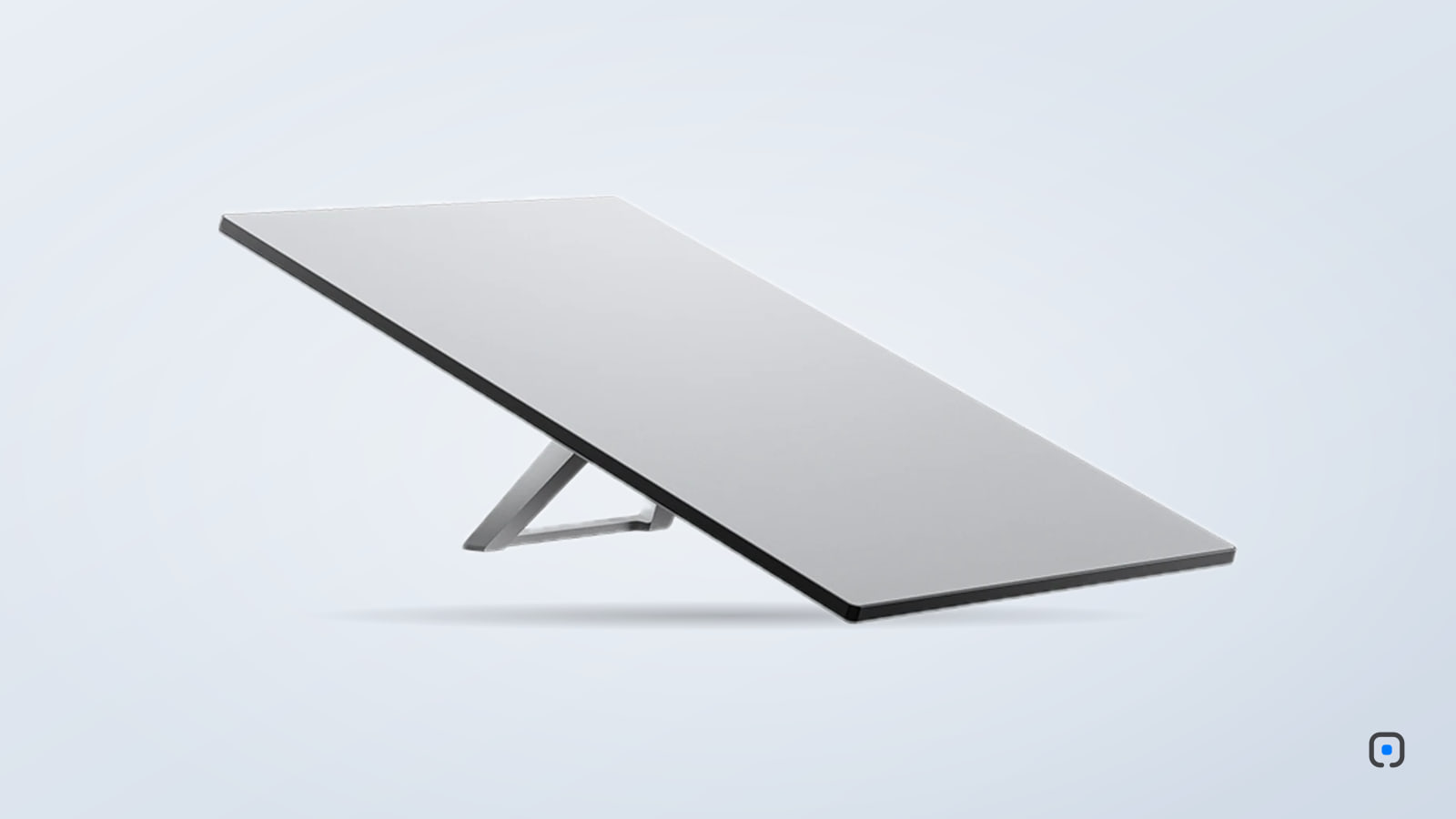
Kwame runs a small guesthouse outside Ho. For years his guests asked the same question at check-in, and for years the answer was an apologetic shrug: the mobile signal came and went, and fibre stopped at the main road. Last month a white rectangle went up on a pole on his roof. Now the question at check-in is only the Wi-Fi password.
Starlink is satellite internet, and for places like Kwame's it changes what is possible. It is not the right answer for everyone, though, and there are a few things to understand before you buy the kit.
Is it legal and available in Ghana?
Yes. The National Communications Authority (NCA) approved Starlink's application in April 2024, and the NCA announced that Starlink would begin operations in Ghana by the end of August 2024, after licensing and administrative steps were completed. It operates locally through a Ghanaian company, SpaceX Starlink GH Ltd.
The NCA has published a set of frequently asked questions about Starlink in Ghana on its website. It is short, and worth reading.
How it works, in one paragraph
A dish on your roof talks to a constellation of satellites in low orbit, far closer to Earth than the old satellite-TV kind. Because they are close, the connection is quick enough for video calls and gaming, not just email. The dish connects to a Wi-Fi router in your house, and your devices connect to that as usual.
Which kit?
We sell two:
- Starlink Standard Kit. The main home kit. A larger dish with a separate Wi-Fi router, designed to be mounted permanently on a roof, wall or pole. This is the one for a home, office or guesthouse.
- Starlink Mini. A compact dish with Wi-Fi built into it. It fits in a backpack and runs on DC power, including from a car or a power bank that supports it. It is made for people on the move: site engineers, travellers, a second home you visit occasionally.
For a fixed location with several users, the Standard is the better choice. It has a larger antenna and a stronger router. For portability, the Mini wins.
The subscription is between you and Starlink
This is the part that confuses people most. When you buy a kit from us, you are buying the hardware. The internet service itself is a monthly subscription that you set up and pay directly to Starlink, in the Starlink app or on its website. iVillage does not sell, collect or manage Starlink subscriptions.
Plans, prices and the payment methods Starlink accepts in Ghana are set by Starlink and change from time to time, so check them in the app before you buy. Starlink's Ghana help pages describe Mobile Money as one of its payment methods; confirm what the app offers for monthly service.
One more rule to know. According to the NCA, a kit used in Ghana has to be registered on a Ghana-based Starlink account. The NCA's FAQ says kits brought in from abroad can be used here once they are moved to a Ghana account, and that service on a kit not moved across will be restricted after 60 days. When you activate your kit, create the account with Ghana as your service address.
Where the dish goes
Starlink needs a clear view of the sky. Not a clear view of one bit of sky: a wide, open cone above the dish. Trees, water tanks, neighbouring buildings and even a parapet wall can cause brief drop-outs that show up as frozen video calls.
The Starlink app has a tool that uses your phone's camera to scan the sky and tell you whether a spot is clear. Use it before you drill any holes. In practice, the best spot is usually the highest point of the roof. For that, a pole mount raises the dish above obstacles and keeps it steady in harmattan wind and rainy-season storms.
Rain can briefly slow the connection during very heavy downpours. It recovers on its own.
Installation
The Standard kit is designed to be installed by the owner. It comes with a kickstand, and the app walks you through setup. For a permanent roof or pole installation, especially one with a long cable run into the house, most people use an electrician or installer. Keep cables away from sharp edges and seal any entry point against rain.
Power
Starlink does not use much electricity. A Standard kit typically draws somewhere around 75 to 100 watts in normal use, and the Mini less. That makes it a very good candidate for a small UPS or an inverter. If the router stays on through a cut, you keep internet when the lights go, which is when many people need it most. Our guide to power surges covers what to buy.
Is it right for you?
If you already have reliable fibre in your area, fibre is often simpler and needs nothing on the roof. Starlink comes into its own where fibre does not reach, where mobile data is patchy, or as a backup for a business that cannot afford to go offline.
The kits we sell are brand-new and sealed, with the manufacturer's warranty. Check Starlink's current plans for your address first; if the sky above your roof is open, the rest is straightforward.
Comments
No comments yet — be the first.
Sign in to join the conversation. You can comment under your name or anonymously.